> ## Documentation Index
> Fetch the complete documentation index at: https://knowledge-base.faucetcrypto.com/llms.txt
> Use this file to discover all available pages before exploring further.
# Themes
# How to change my theme? Light & dark theme
Both light and dark themes are supported on the website.\
\
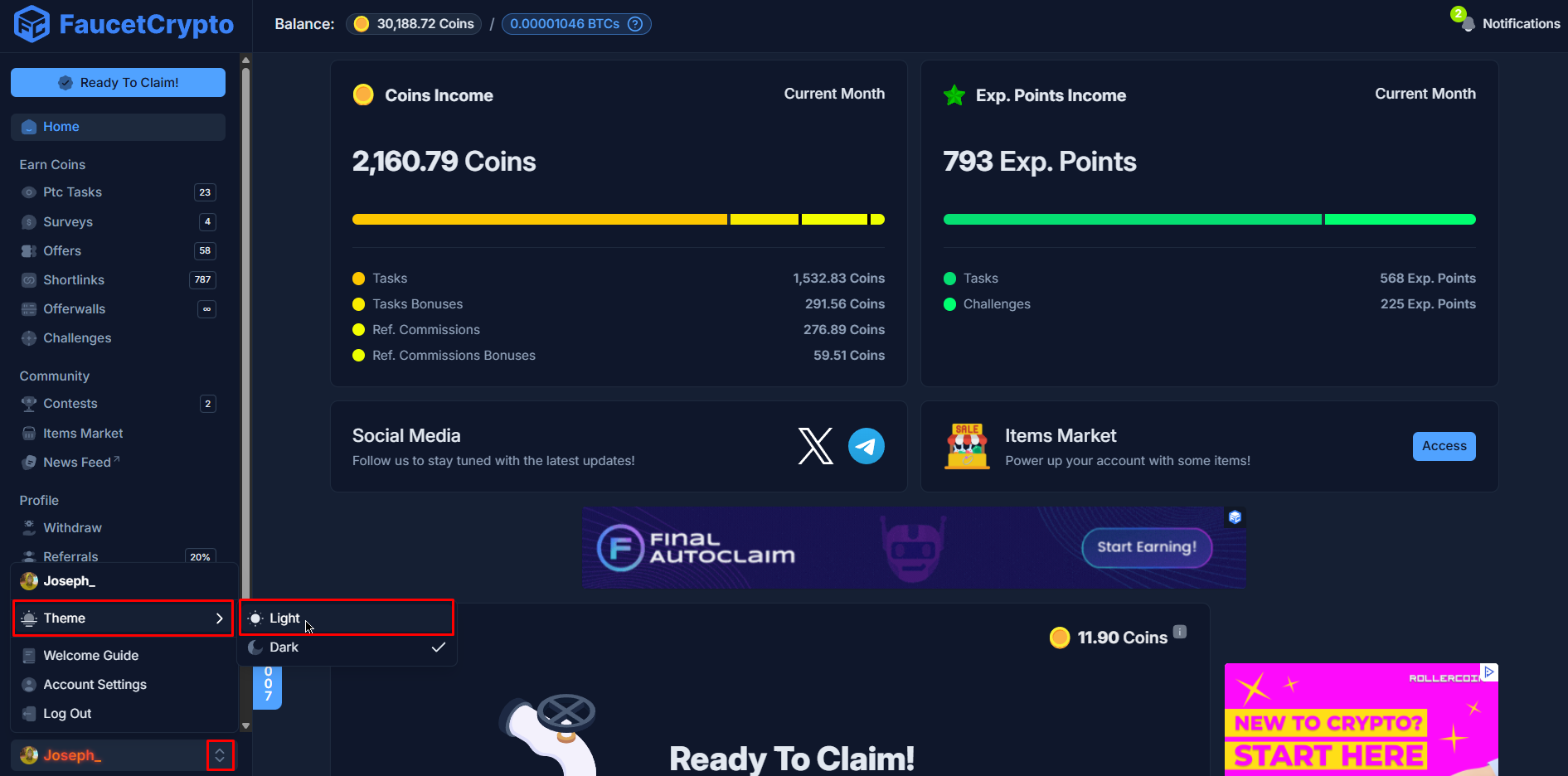
You can quickly switch between them whenever you like by clicking the **icon** next to your username in the bottom left corner of the side menu and choose **Theme** in the mini modal that comes up, then select Light (or Dark) Theme as shown below: